Receive instant voice & visual confirmation the moment your customer pays via UPI. Reduce disputes, speed up service.
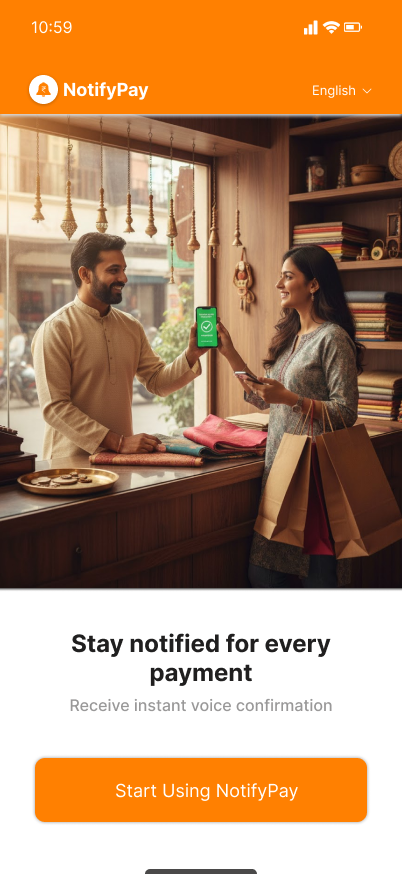
Simple 3-step setup to start receiving instant payment alerts
Connect the Notify Pay soundbox to your phone using Bluetooth or local network.
Notify Pay listens for payment notifications from any UPI app and captures the amount.
Get an instant voice alert and on-screen confirmation with transaction details.
Hear payment confirmations instantly — no need to unlock the phone.
Compatible with BHIM, Google Pay, PhonePe, Paytm and more.
Local alerts continue to work even with intermittent internet.
Set language and voice preferences for alerts.
View daily/weekly summaries and export reports.
Plug-and-play hardware, app-guided setup in under 2 minutes.
See the Notify Pay app in action
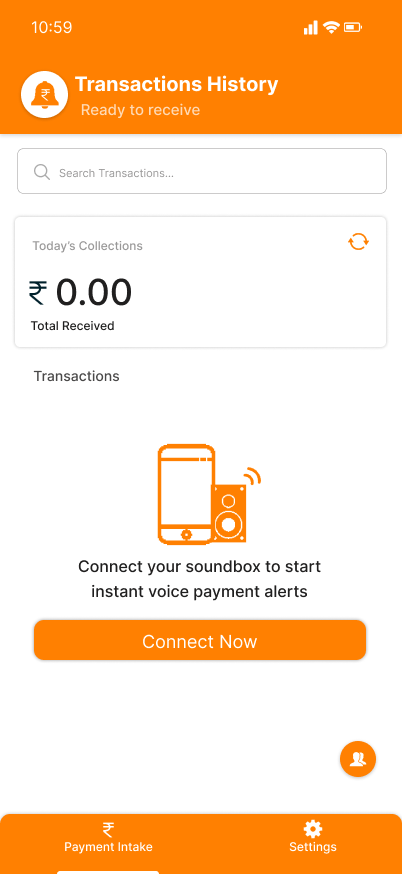
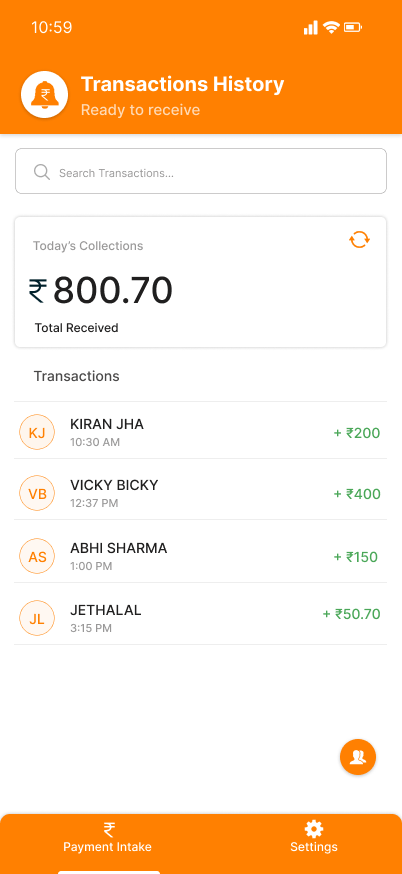
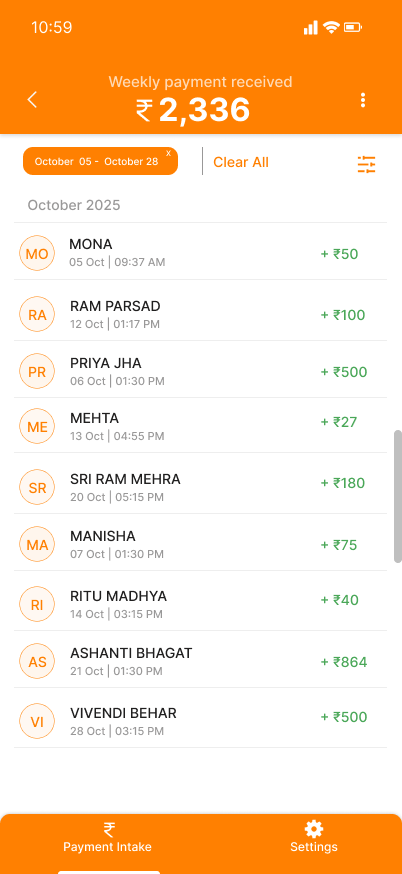
Simple pricing: buy the device or subscribe for premium analytics.
Notify Pay works with all UPI apps that post notification banners (Google Pay, PhonePe, Paytm, BHIM, etc.).
Basic local voice alerts can work on-device. For cloud analytics and backups, internet is required.
Open the app, go to Settings → Pair Soundbox and follow on-screen steps (Bluetooth or local Wi‑Fi pairing supported).